NextBite

How it works

Share a food video. We build your map.

NextBite uses the iOS Share sheet and Share Extension, the same flow you see in our in-app walkthrough.

Pro tip

If NextBite doesn't appear in your Share sheet right away, tap Edit (or More) and add NextBite to your favorites. Pinning NextBite makes saving videos much faster.

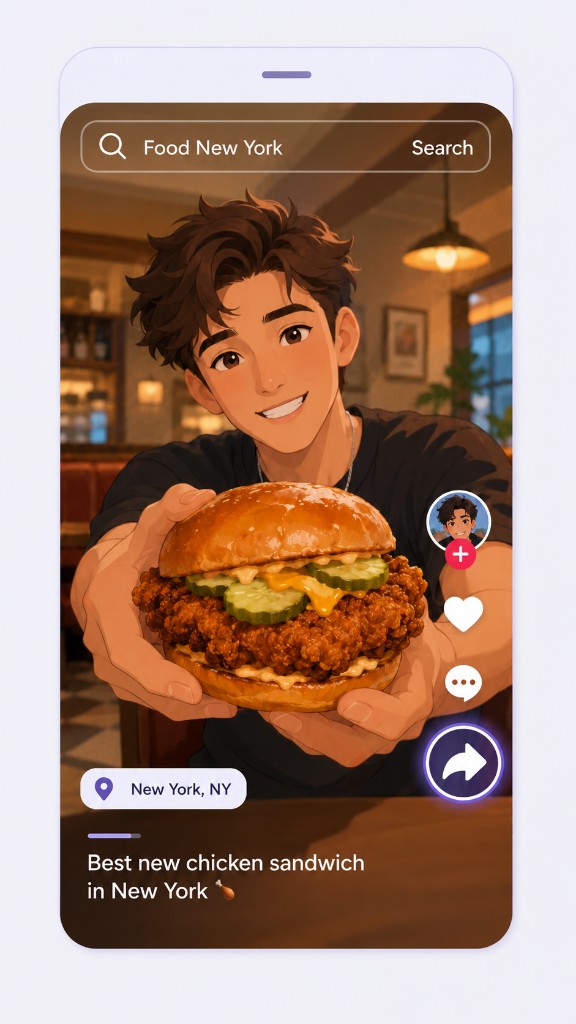
tiktok step 1: Share to NextBite
1

Share to NextBite

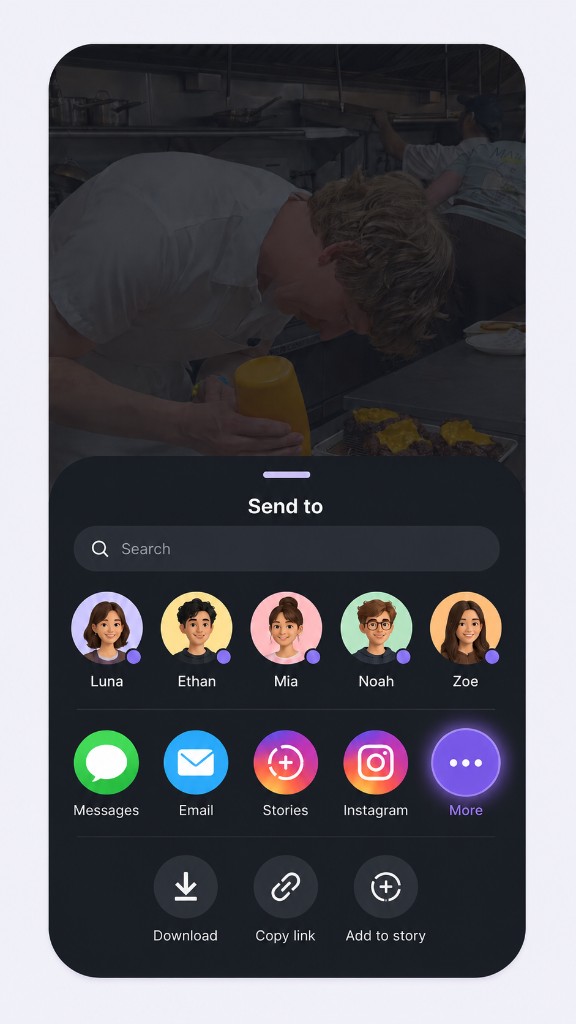
Tap share when you want to save a rec

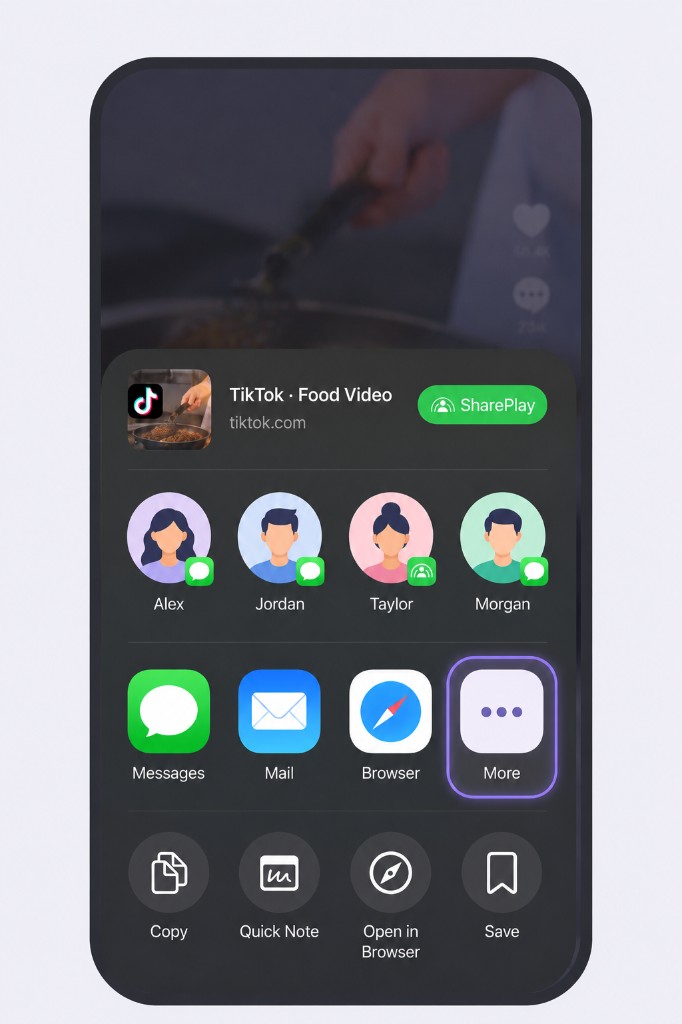
tiktok step 2: Tap More
2

Tap More

Swipe and find More

tiktok step 3: Choose More
3

Choose More

If NextBite doesn't show up, swipe and find More again
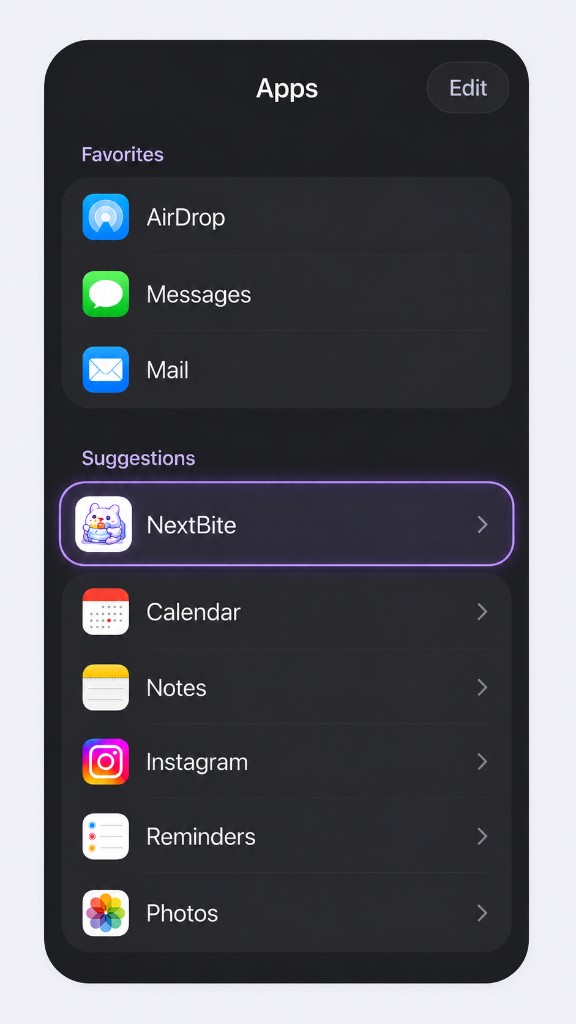
tiktok step 4: Share to NextBite
4

Share to NextBite

Pick NextBite and we'll do the rest

What happens next?

  1. 1NextBite receives the link and processes it in the background (usually a few minutes).
  2. 2We extract the restaurant name, location, dish recommendations, and keep a link to the original video.
  3. 3The spot appears on your Restaurants map, ready to visit, sort, and organize into folders.
Common questions →